
Yes—this is very doable, and it’s one of those “small automation, big leverage” moves that makes repos feel alive instead of archival. 🚀 In practice, you’re talking about a GitHub Actions workflow that:
- Runs on a schedule (or manually).
- Calls an external API.
- Writes the result into the repo (JSON, Markdown, CSV, whatever).
- Commits and pushes the change back to
main.
That loop is fully supported, no hacks required.


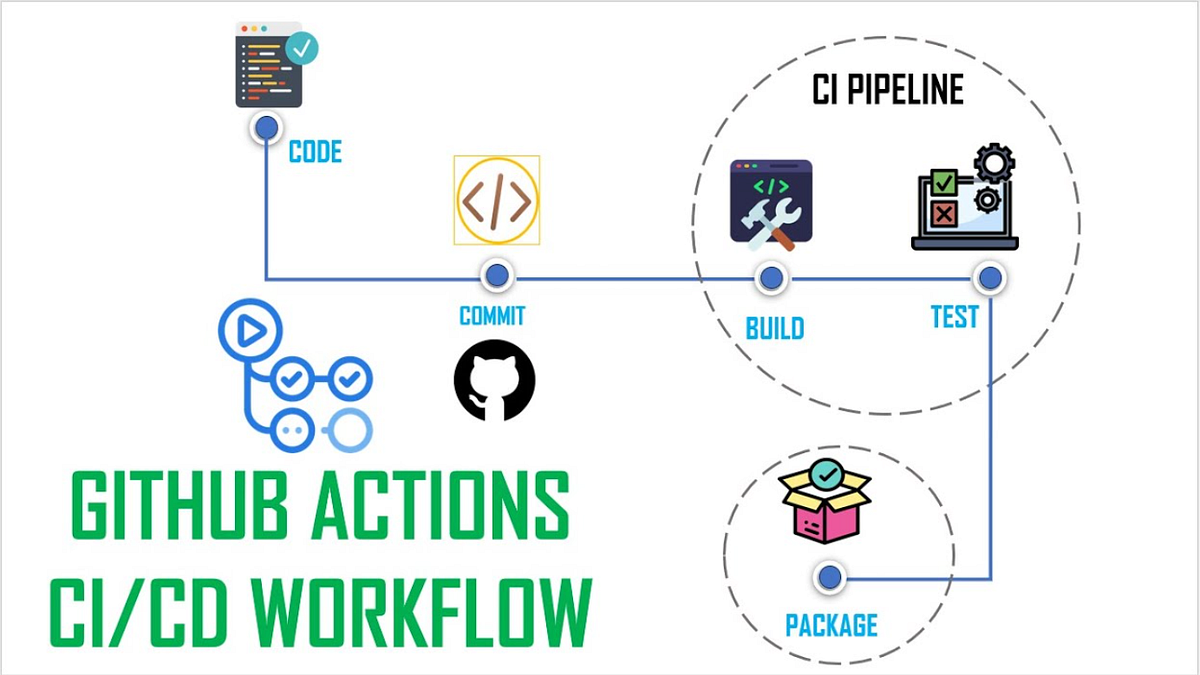
A GitHub Action is just:
- A Linux VM spun up by GitHub
- Running steps you define
- With permission (if you grant it) to push back to the repo
So the pipeline is basically: cron → script → git commit → git push
Create .github/workflows/fetch-data.yml
name: Fetch API data and update repo

on:
  schedule:
    - cron: "0 * * * *"   # every hour
  workflow_dispatch:      # manual trigger button

permissions:
  contents: write         # REQUIRED to push changes

jobs:
  fetch-and-commit:
    runs-on: ubuntu-latest

    steps:
      - name: Checkout repo
        uses: actions/checkout@v4

      - name: Fetch data from API
        run: |
          curl -s https://api.example.com/data > data.json

      - name: Commit and push if changed
        run: |
          git config user.name "github-actions[bot]"
          git config user.email "github-actions[bot]@users.noreply.github.com"

          git add data.json
          git diff --cached --quiet || git commit -m "Update API data"
          git push
That’s the whole machine. Nothing hidden.
If your API needs a key:
- Go to Repo → Settings → Secrets and variables → Actions
- Add
API_KEY
Then use it safely:
curl -H "Authorization: Bearer $API_KEY" https://api.example.com/dataAnd in YAML:
env:
  API_KEY: ${{ secrets.API_KEY }}
Secrets never get logged unless you explicitly echo them (don’t).
-
Update a README badge or table → Fetch data → run a small script → overwrite
README.md -
Daily dataset snapshot → Save
data-YYYY-MM-DD.json -
API → Markdown report → Fetch → parse with Python/Node → generate human-readable docs
-
Fail loudly if data breaks expectations → Validate schema → exit 1 → CI turns red
- You must set
permissions: contents: writeor pushes will silently fail. git diff --cached --quietprevents infinite “no-op” commits.- Scheduled workflows run on the default branch only.
- If the API rate-limits by IP, GitHub runners count as shared infrastructure.
You’ve essentially built a self-updating repository. Docs that rot get fresh. Datasets refresh themselves. Dashboards live in version control. The repo becomes a slow, reliable heartbeat instead of a snapshot frozen in time.
From here, the natural evolution is:
- adding lightweight validation,
- turning raw API data into narratives,
- or chaining multiple APIs into a single canonical artifact.
That’s when CI stops being “tests” and starts being infrastructure for knowledge.