Alors, partager du code c'est bien, mais le faire correctement c'est encore mieux. [...]
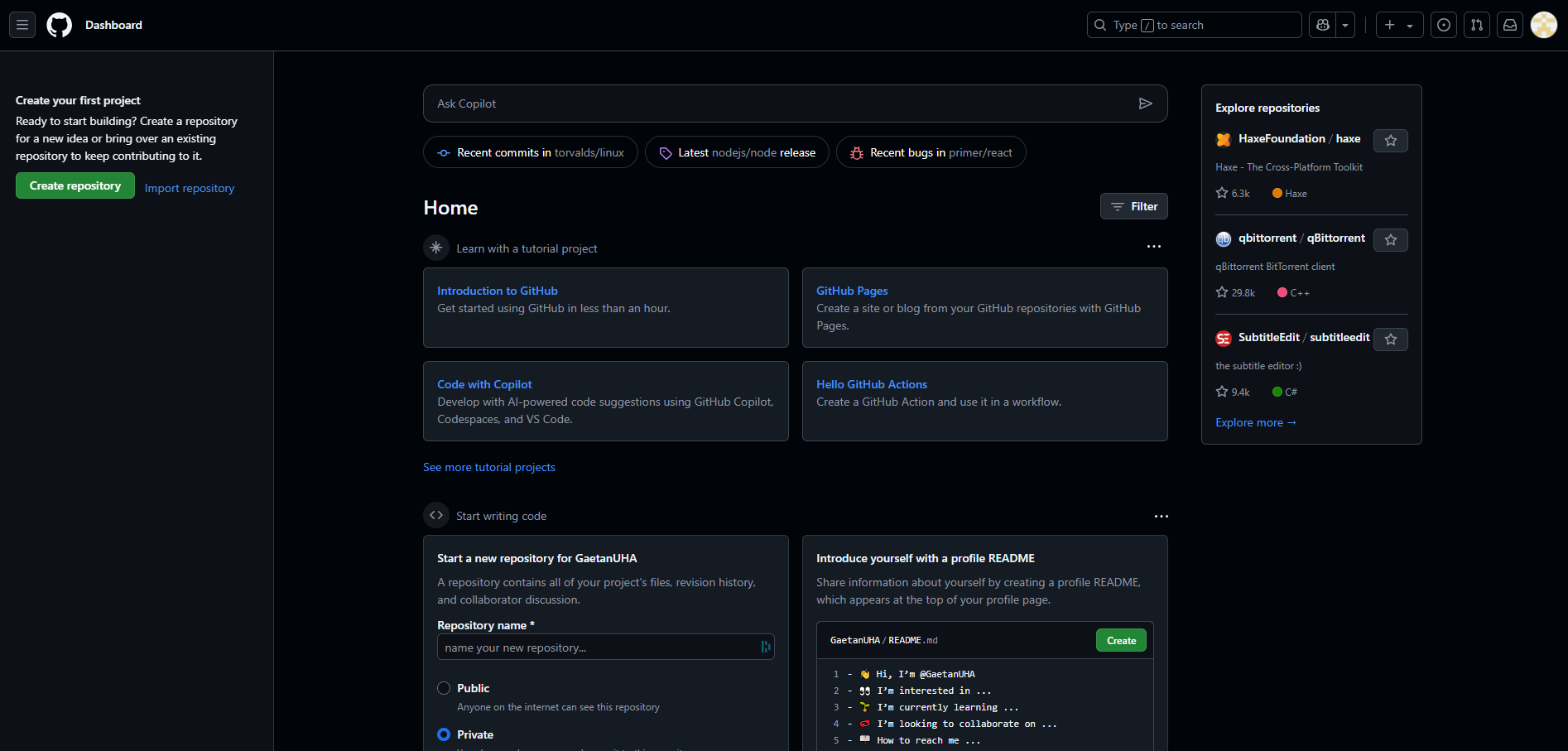
Une fois que vous aurez créé un compte, vous aurez une interface de ce type :


| services: | |
| db: | |
| image: mysql:latest | |
| restart: always | |
| volumes: | |
| - ./init:/docker-entrypoint-initdb.d | |
| - ./data:/var/lib/mysql | |
| environment: | |
| MYSQL_ROOT_PASSWORD: uha40 | |
| MYSQL_DATABASE: cinemaSQL |
| version: '3.1' | |
| services: | |
| db: | |
| image: mysql:latest | |
| command: --default-authentication-plugin=mysql_native_password | |
| restart: always | |
| volumes: | |
| - ./init:/docker-entrypoint-initdb.d | |
| - db_data:/var/lib/mysql |
| https://www.perplexity.ai/search/docker-fileconditions-env-var-25dsoyndT1SEGM8O_4CnDA | |
| https://www.perplexity.ai/search/fichier-sh-qui-prend-parmaetre-IIYzZ8eHSxm4U8qR.dVQ.g#1 |
| import { dayJS } from "./day-js"; | |
| export const completeDateIfNecessary = (dayInput: string): string => { | |
| const dateRegex = /^\d{2}\/\d{2}\/\d{4}$/; | |
| if (dateRegex.test(dayInput)) { | |
| console.log("Format correct :", dayInput); | |
| return dayInput; | |
| } |
| <?php | |
| function genTables($n, $m = 10) { | |
| $result = []; | |
| for ($i = 1; $i <= $m; $i++) { | |
| $result[$i] = "$n x $i = " . ($n * $i); | |
| } | |
| return $result; | |
| } |
| class LegoItemCard extends HTMLElement { | |
| constructor() { | |
| super(); | |
| } | |
| static get observedAttributes() { | |
| return ['image', 'price', 'name', 'age', 'bricks']; | |
| } | |
| connectedCallback() { |
| <?php | |
| namespace wapy\faction\blocks; | |
| use pocketmine\block\Block; | |
| use pocketmine\block\Transparent; | |
| use pocketmine\data\bedrock\block\convert\BlockStateReader; | |
| use pocketmine\data\bedrock\block\convert\BlockStateWriter; | |
| use pocketmine\data\runtime\RuntimeDataDescriber; | |
| use pocketmine\item\Bucket; |
| {"name":"JS","settings":"{\"settings\":\"{\\r\\n // Suppression de la sauvegarde automatique :\\r\\n \\\"files.autoSave\\\": \\\"off\\\",\\r\\n\\r\\n // Taille des tabulations par défaut :\\r\\n \\\"editor.tabSize\\\": 2,\\r\\n \\\"editor.formatOnSave\\\": false,\\r\\n\\r\\n // Linting & formatting on save :\\r\\n \\\"editor.codeActionsOnSave\\\": {\\r\\n \\\"source.fixAll.eslint\\\": \\\"explicit\\\"\\r\\n },\\r\\n \\\"[prisma]\\\": {\\r\\n \\\"editor.formatOnSave\\\": true,\\r\\n },\\r\\n \\r\\n \\\"editor.wordWrap\\\": \\\"bounded\\\",\\r\\n \\\"editor.wrappingIndent\\\": \\\"indent\\\",\\r\\n \\\"editor.wordWrapColumn\\\": 150,\\r\\n \\r\\n \\\"editor.rulers\\\": [\\r\\n {\\r\\n \\\"column\\\": 150,\\r\\n \\\"color\\\": \\\"#b1b1b127\\\"\\r\\n }\\r\\n ],\\r\\n \\r\\n \\\"javascript.updateImportsOnFileMove.enabled\\\": \\\"always\\\",\\r\\n \\\"typescript.updateImportsOnFileMove.enabled\\\": \\\"always\\\",\\r\\n\\r\\n // Theme :\\r\\n \\\"workbench.colorTheme\\\ |
| import { ReactElement } from "react"; | |
| export const TimeDisplay = (): ReactElement => { | |
| const currentHour = new Date().getHours(); | |
| const currentMinute = new Date().getMinutes(); | |
| const formattedHour = addZero(currentHour); | |
| const formattedMinute = addZero(currentMinute); | |
| return <p>Current Time: {formattedHour}:{formattedMinute}</p>; |